
Kyocera Photocopier: Seamlessly Managing Document Traffic in Busy Offices
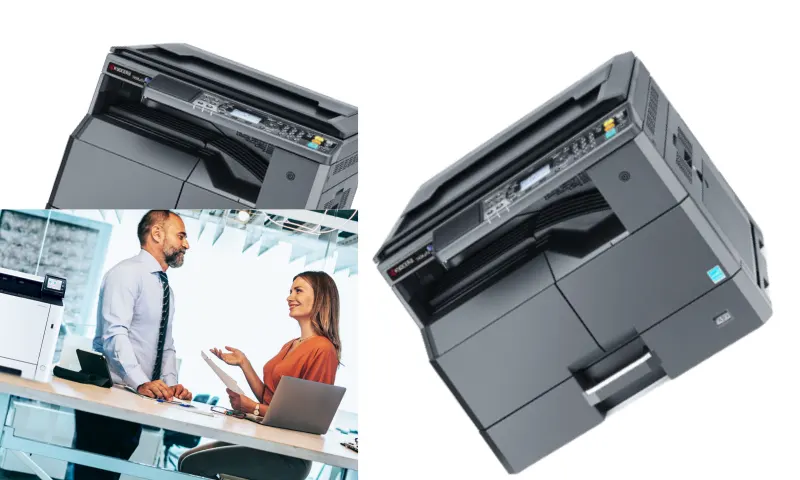
Reducing Total Cost of Ownership with Kyocera Photocopiers
Have you ever thought about how you would manage those huge contract stacks and endless scanning tasks in the office without a Kyocera photocopier? Devices that jam during the busiest times of the workday, frequently jam paper, or suddenly stop with a toner warning are like ticking time bombs in the office. To prevent these hardware crises that demotivate employees, ADA Office Machines installs durable systems that work silently and flawlessly in the background. You can examine the professional hardware solutions at https://www.adaburo.com.tr/ to get rid of cumbersome infrastructures that slow down your institution's operations.
Strategic Steps in Kyocera Photocopier Installation
Kyocera photocopiers cut those invisible maintenance costs that gnaw away at your budget like a knife. Ordinary devices that seem very attractive on the purchase invoice will confront you with huge drum, fuser, or developer bills after just a few months. However, these systems, which use long-lasting ceramic components, save you from the hassle of constantly calling technical service and waiting for spare parts. It has been proven repeatedly that low-quality hardware, purchased cheaply, is actually the most expensive and risky choice for companies.
When integrating a Kyocera photocopier into your network, you should focus on your office's real workday rhythm, not on fancy speed data on paper. Instead of choosing a random, price-focused model, follow these expert steps:
- Evaluate the First Copy Out Time (FCOT) based on the morning rush; a slow-starting machine will cause backlogs.
- Instead of the maximum monthly print capacity, rely on the "recommended" print volume at which the machine can operate without fatigue or mechanical stress.
- In case of malfunction, ensure that the maximum response time of the technical team (SLA) is clearly stated in hours in your contract.
- Test whether ID card or password protected printing (Pull-Print) modules are fully compatible with the hardware.
A Kyocera photocopier is not just a simple metal box that duplicates paper. It is a strategic business partner that securely digitizes your documents, lightens your operational load, organizes your network traffic, and determines your company's speed rhythm. When will you decide whether the machine in the corner of your desk is an assistant that speeds up your work or an obstacle that steals your time by constantly causing problems?





.webp)
